CourseAlive
Turn trusted course material into lessons students can see, hear, and explore.
Begin with the books, slides, notes, media, and teaching goals you already trust.
CourseAlive
Begin with the books, slides, notes, media, and teaching goals you already trust.
Connect the knowledge
Organize concepts, prerequisites, examples, and evidence into a reviewable course structure.
Make understanding visible
Use purposeful motion, diagrams, demonstrations, and interactive models where they improve understanding.
Prepare the learning experience
Prepared playback, instructor-led tools, reusable visuals, and delivery options come together in one experience.
Try a prepared interactive lesson, then bring us one difficult concept from your course. CourseAlive connects trusted teaching material, purposeful visuals, and instructor-led tools in one reviewable experience.
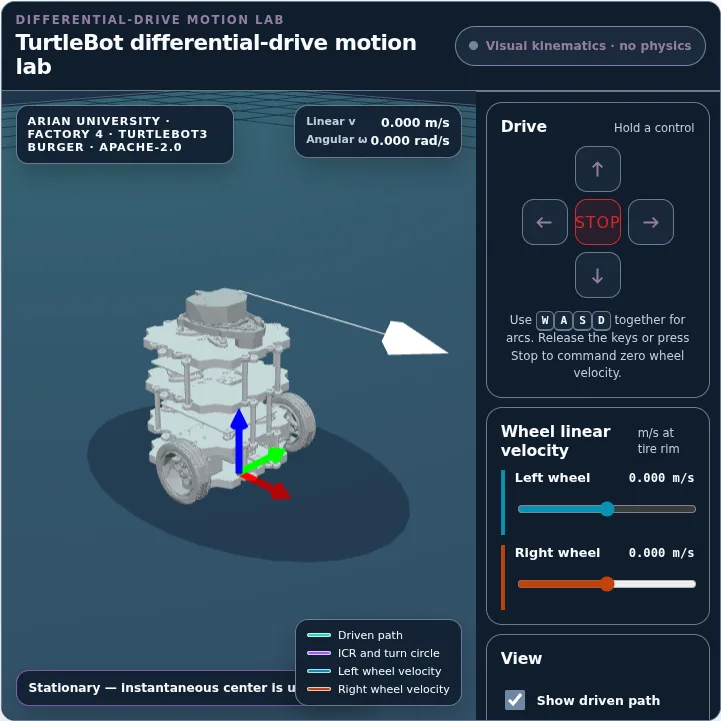
Wheel speed, body motion, path, and instantaneous center update together from one kinematic model.
Course production workflow
We are developing the guided workbench around the same staged process used to scope current pilots with instructors.
Start with textbooks, previous slides, lab notes, policies, images, videos, and instructor priorities.
Organize concepts, prerequisites, learning outcomes, and references into a reusable course map.
Create structured slides, explanations, reusable visuals, scripts, audio timelines, and optional video.
Review teaching flow and prepare an approved lesson release with selected delivery settings.
Available now · One lesson, several ways to teach
The Arian University electricity lesson demonstrates prepared, seekable playback, interactive slides, visual live-follow, and local note-taking in one teaching surface.
View the motor lesson case study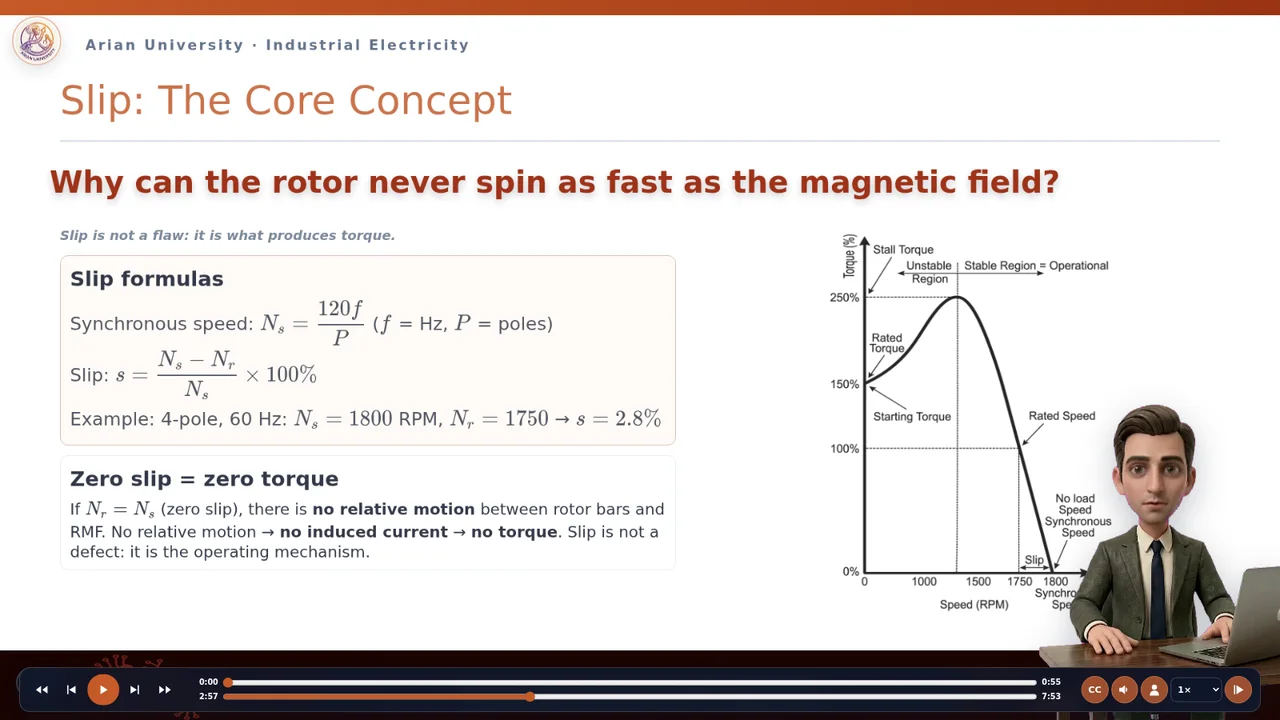
Available now · Prepared lesson playback
The memorable difference
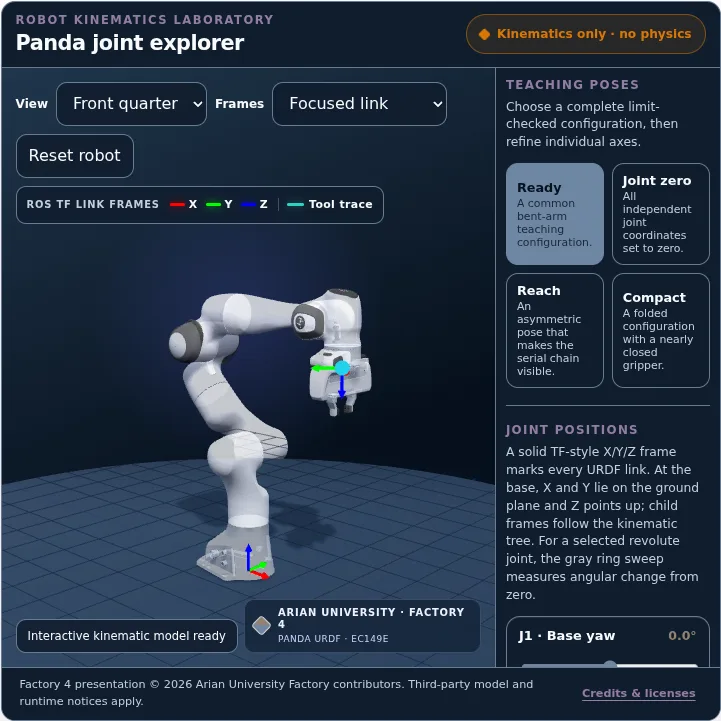
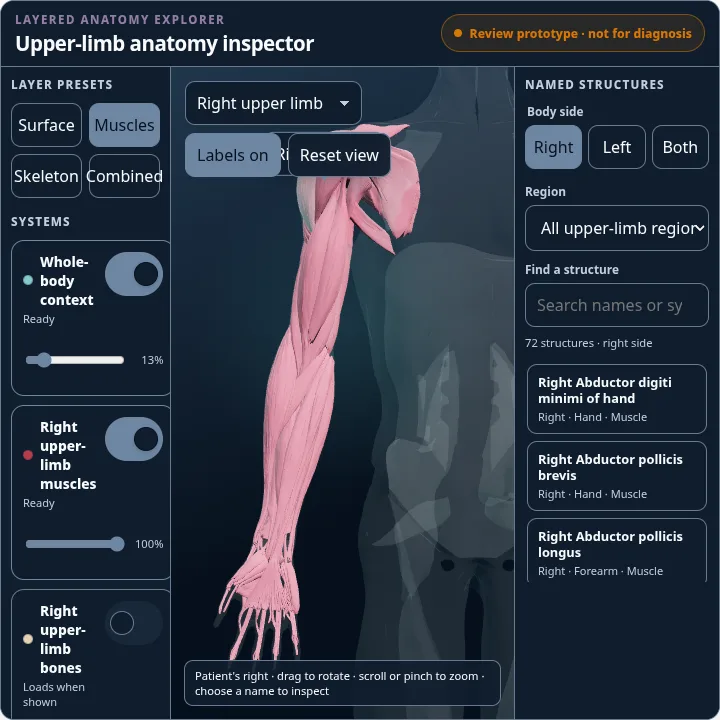
Reusable interactive visuals can support many lessons, with each use configured around the learning objective.
Explore visual examples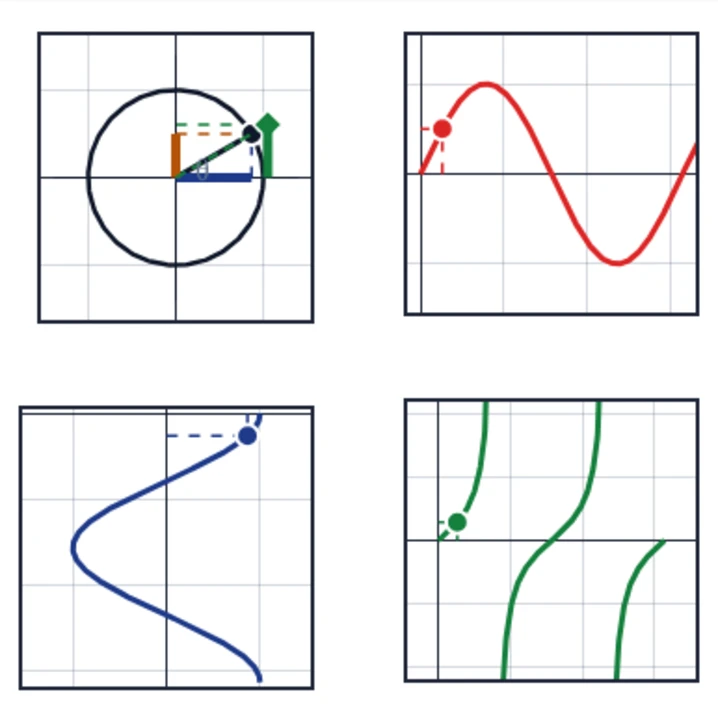
Delivery and production status
Prepared lesson playback, visual live-follow, local notes, browser links, and permitted embeds are available now. Other capabilities have their own delivery status.
Plan a pilotPlanned production can use an approved presenter or voice profile when requested and reviewed.
Secure LTI identity, verified roles, and private operations require an institution-approved integration and pilot.
Planned releases can pair language-specific slides, narration, captions, and timelines with reusable technical visuals.
Ink, highlights, working pages, and annotated PDF export support instructor-led teaching. Local learner notes are available separately. Live audio requires an institutional pilot.
Start with one course
Together, we can define a focused teaching experience and identify reusable visuals for instructors and students to test.